The Countertop Slab Plan
Measure a stone countertop piece by piece, count slabs by layout rather than by area, price the stone the way it is sold, and get it in safely
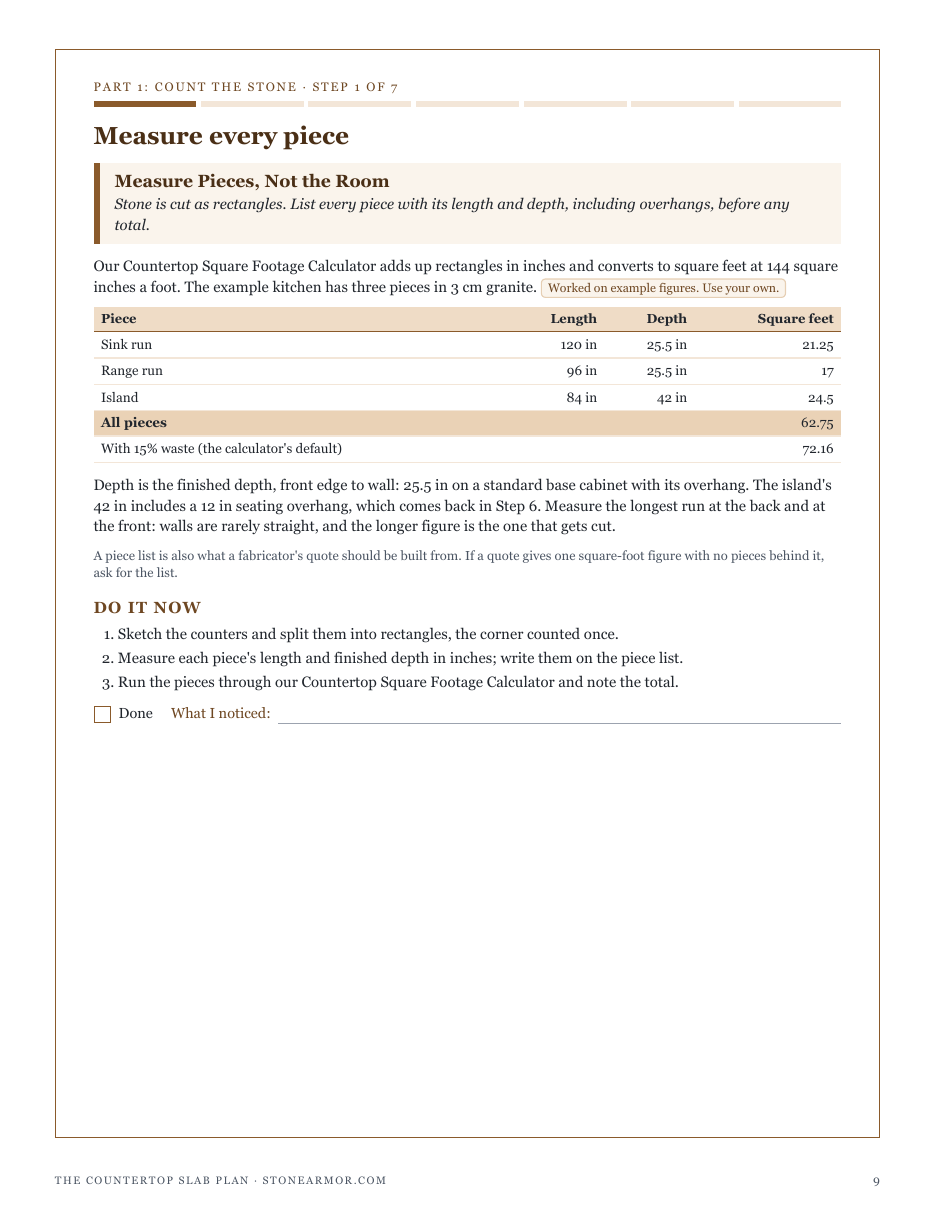
StoneArmor's free Countertop Square Footage Calculator divides your area by a slab's area and rounds up, and its own notes say the fabricator's layout is the authority on real yield. Stone is bought as whole rectangles: a run longer than the slab needs a seam, and where that seam lands decides how the pieces nest. While writing this plan we also changed our Stone Slab Weight Calculator, which used middle-of-the-range densities; understating weight is the dangerous direction, so it now plans at the heavy end of each stone's range. The Countertop Slab Plan lists every piece, counts slabs by area and by a row layout, and finds the seam position that uses the fewest slabs. In the worked example (an example, not a promise), a 62.75 square foot granite kitchen is 2 slabs by area, 3 with the sink run seamed in the middle, and 2 again with the seam 33 in from one end: at $1,600 a slab, that seam is worth $1,600. It prices the stone per square foot, with waste and per slab, weighs the heaviest piece (a 421.51 lb island), checks the overhang against the fabricator's limit, and counts big backsplash tile course by course. It is a planning aid, not a fabricator's layout or a structural check. Slabs are moved and set by trained installers with proper equipment, cabinets and floors are checked for the load, and stone and engineered quartz are never dry-cut: cutting is done wet, with extraction and respiratory protection, by professionals. Included: 24 printable pages, seven steps, a piece list, a slab layout sheet, a quote comparison sheet, an install-day check, a stone weight reference table, a quickstart, and a personalised sheet worked on the figures you entered in our calculators.
Look inside
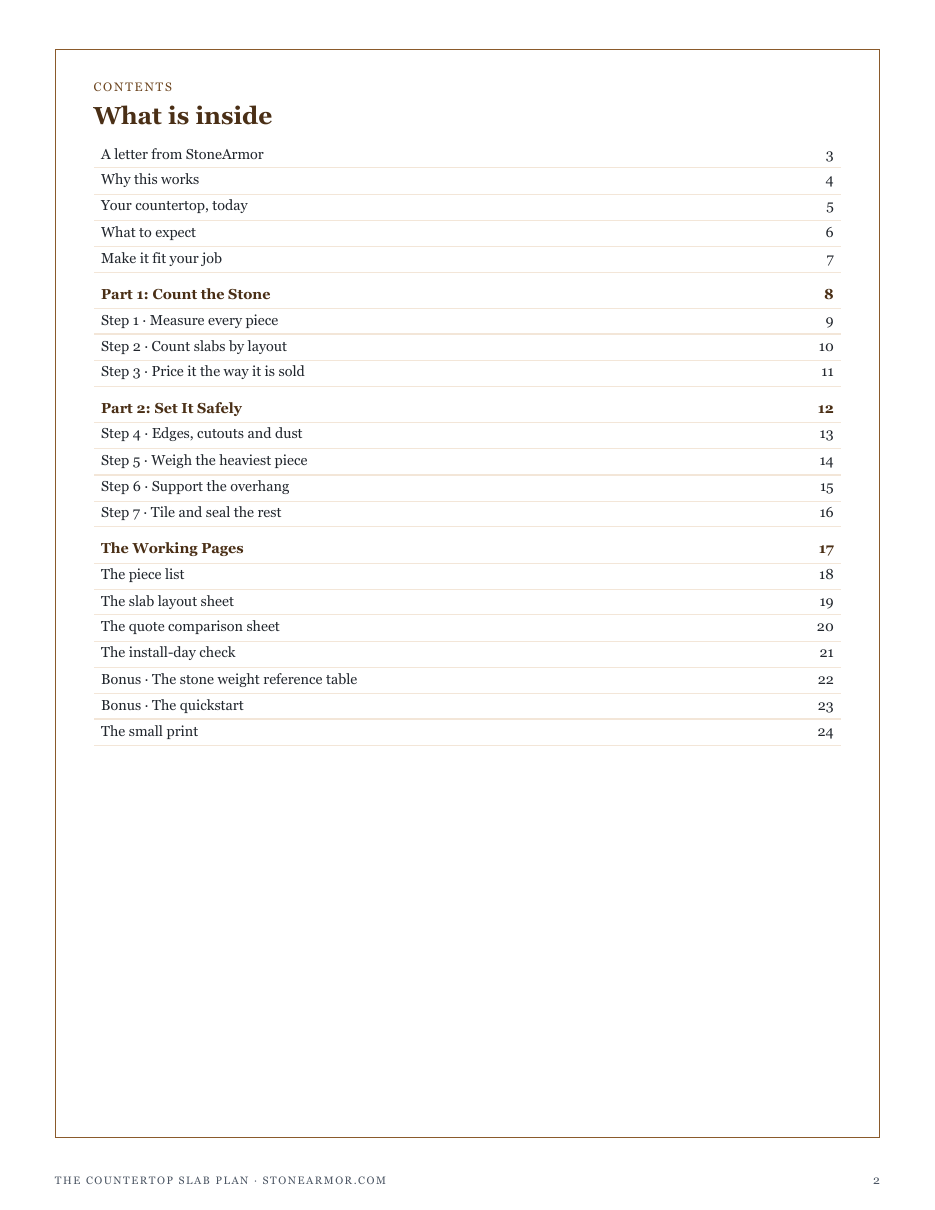
Two full pages from the plan, exactly as printed. Click either to read it at full size before you decide.
What is in it
- Measure Pieces, Not the Room: every countertop piece listed as a rectangle, with its overhang
- The Area Count Is a Floor: slabs counted by area and by a row layout, and the seam that saves a slab
- Compare Quotes on the Same Square Feet: stone priced per square foot, with waste and per slab
- Stone Is Cut Wet, by the Shop: finished edge, cutouts and the silica dust they make
- Weigh the Heaviest Piece: every piece weighed as cut, the load per foot of cabinet, and who lifts it
- Support What Hangs: an overhang checked against the fabricator's limit
- Big Tile, Count the Courses: backsplash tile counted course by course, one lot, spares and sealer
- The piece list and the slab layout sheet, printable
- The quote comparison sheet and the install-day check, printable
- A stone weight reference table by stone and thickness, and a one-page quickstart
- ✓ 24 printable pages
- ✓ 10 sections, worksheets and templates
- ✓ A second PDF worked out from the numbers you enter
- ✓ No account needed, just an email address
- ✓ Instant download; link valid 7 days
Price includes any taxes. Sold by GrabURL, who handle checkout and support. The charge appears on your statement as GrabURL.
The plan picks up where the free Countertop Square Footage Calculator leaves off. The calculator divides your area by a slab’s area, which is the fewest slabs the job could need; the plan counts slabs by layout, finds where a seam saves a slab, and prices the stone per square foot and per slab with the Countertop Cost Estimator. It weighs the heaviest piece with the Stone Slab Weight Calculator, checks overhangs against the fabricator’s limit, and counts big backsplash tile course by course against the Tile Coverage Calculator. Slabs are moved and set by trained installers with proper equipment, and cabinets and floors are checked for the load. Cutting stone releases crystalline silica: it is cut wet, with extraction and respiratory protection, by professionals, never dry. The worked figures are examples.